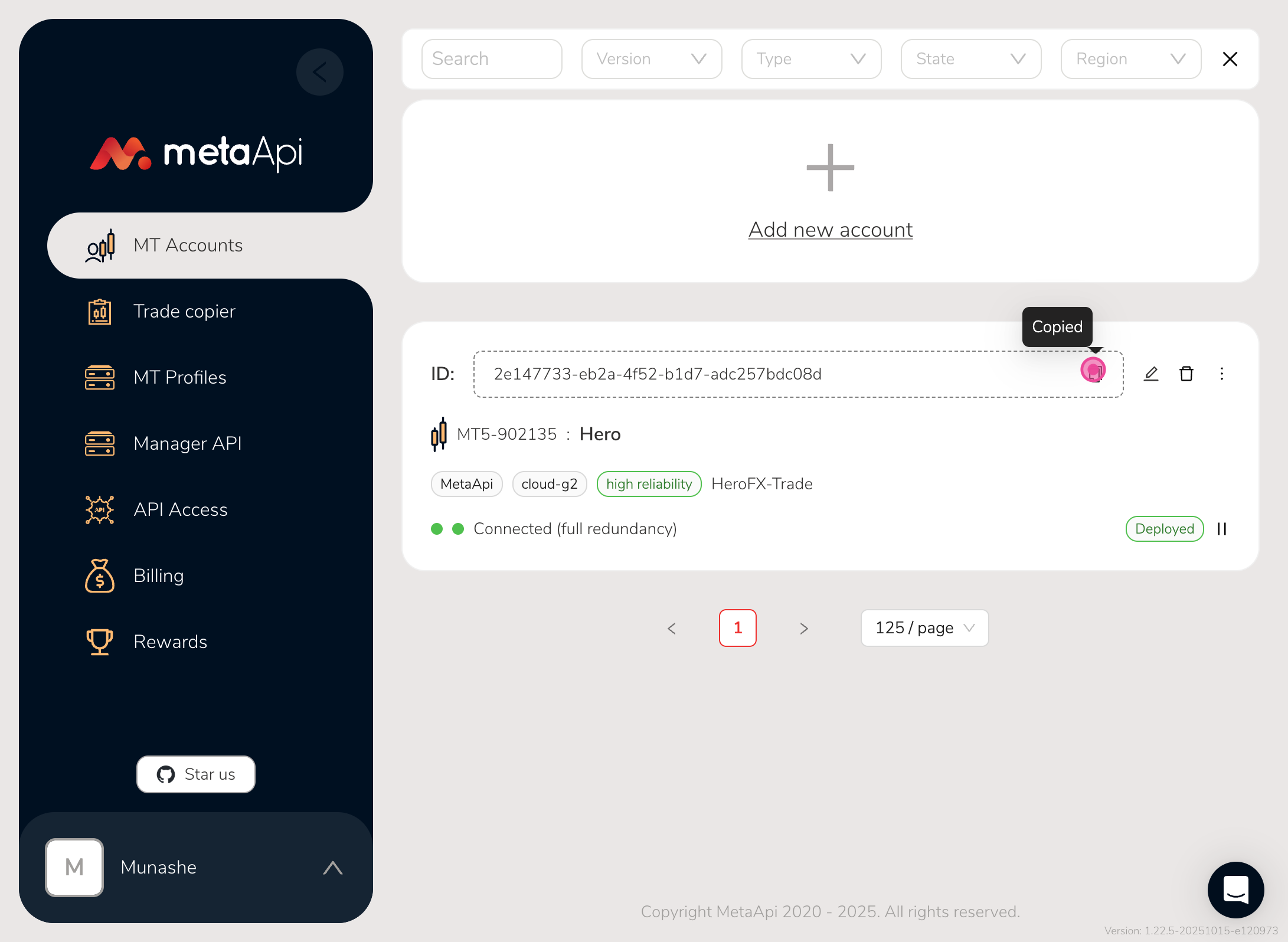
How to add a MT4/MT5 account on metaapi
This is how to add an account on metaapi then get an accountid in return
18 October 2025
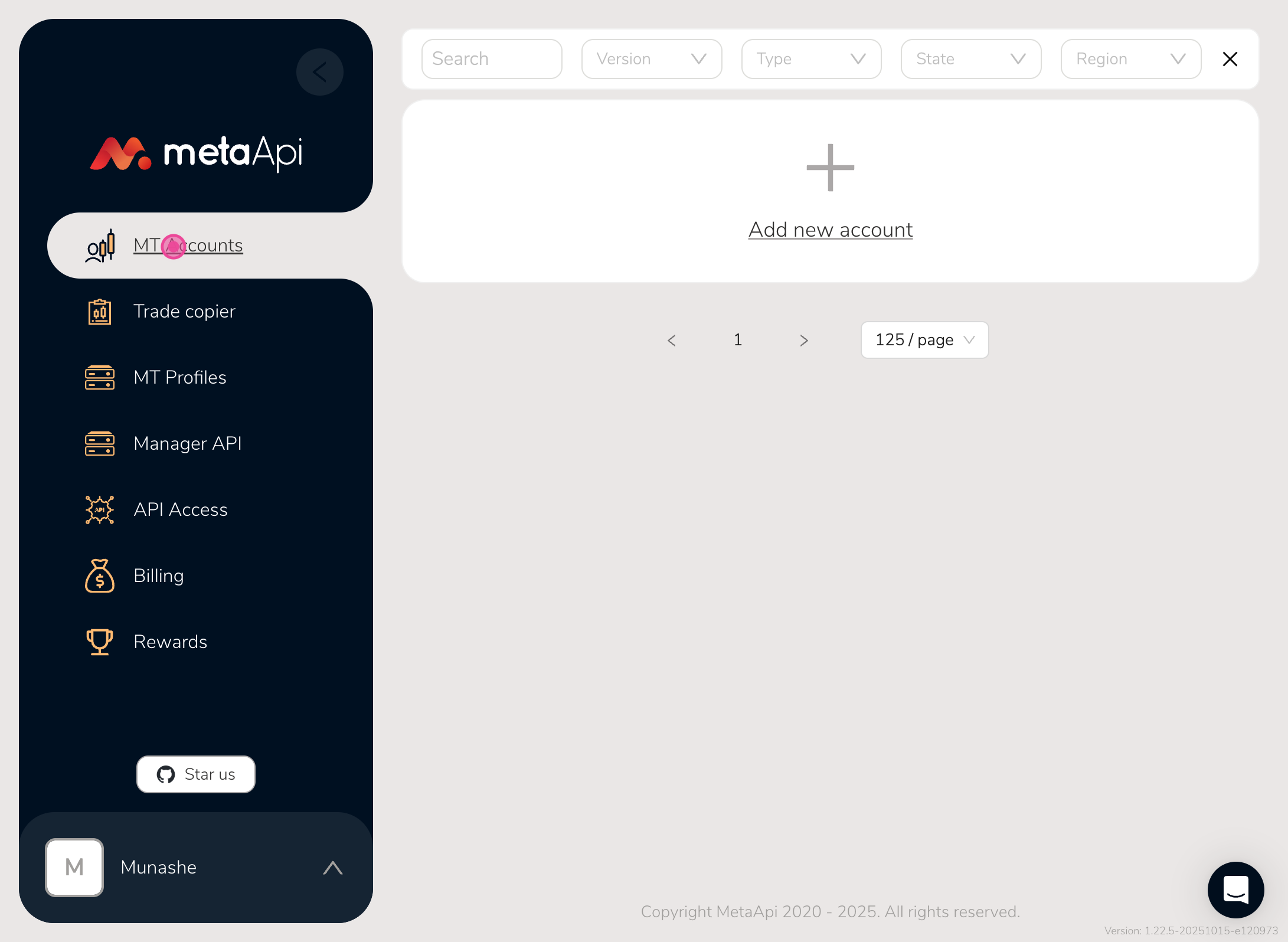
Step 1
So the first thing is to click on the 'MT accounts' tab
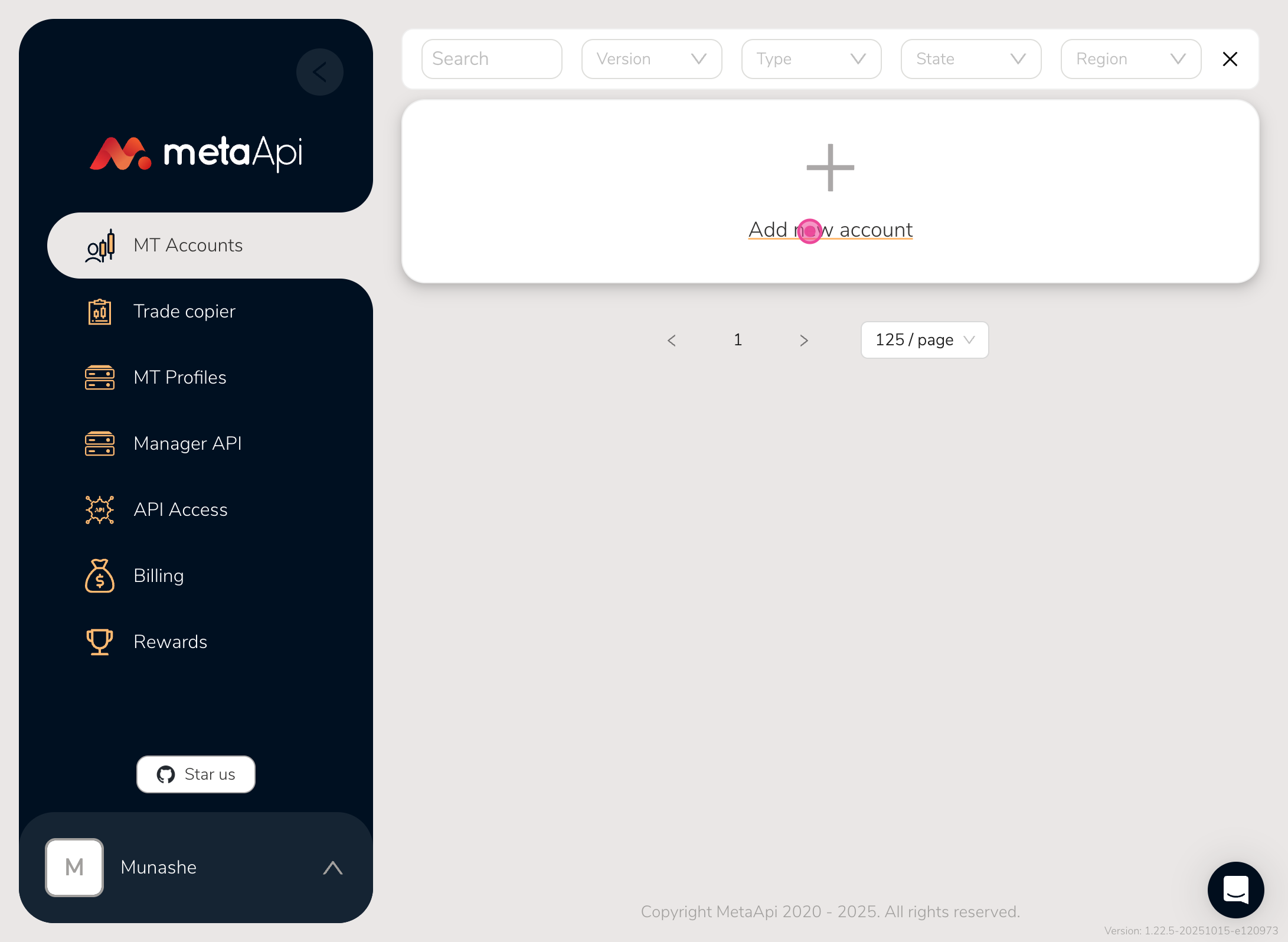
Step 2
Then click on add new account
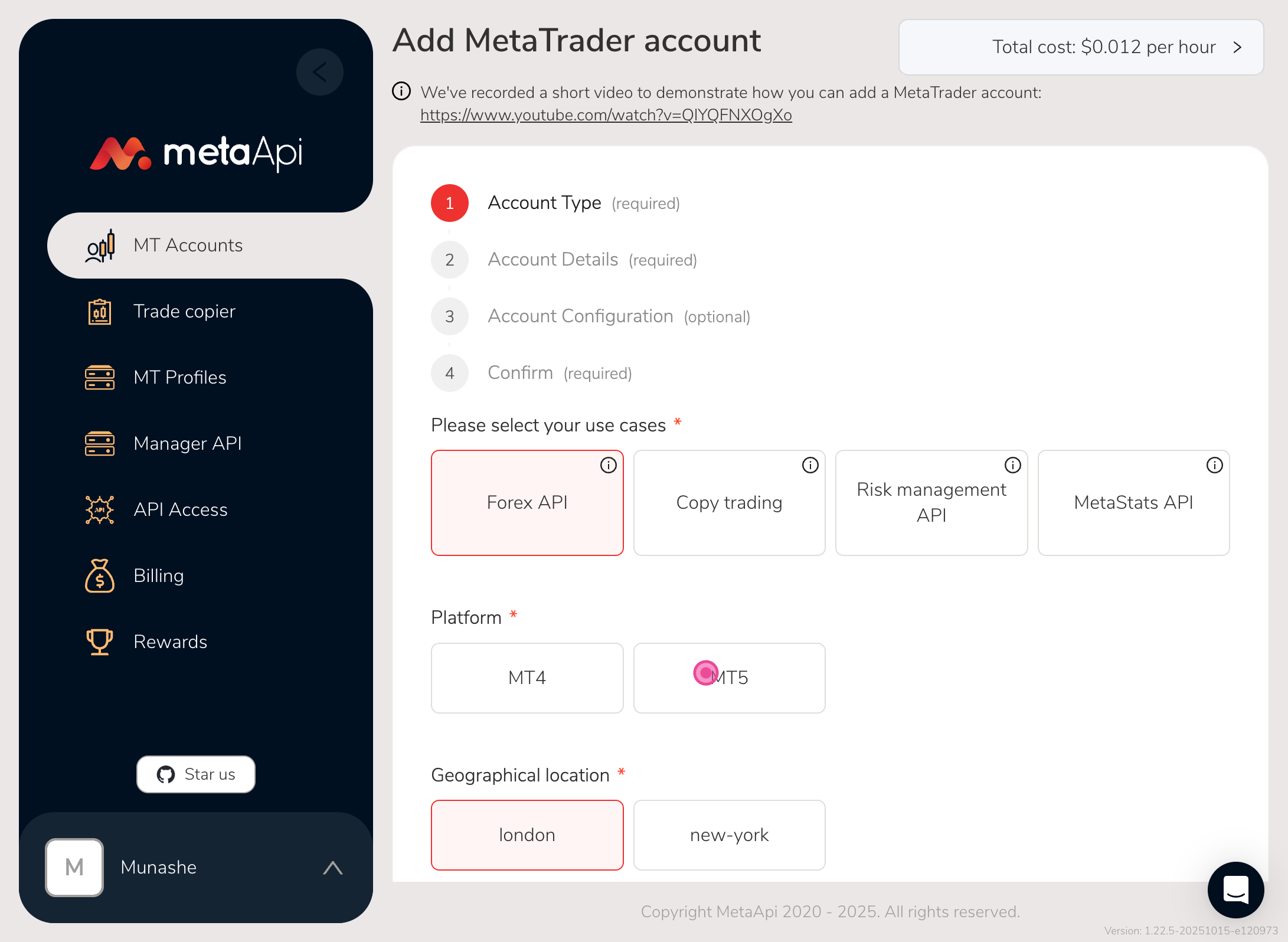
Step 3
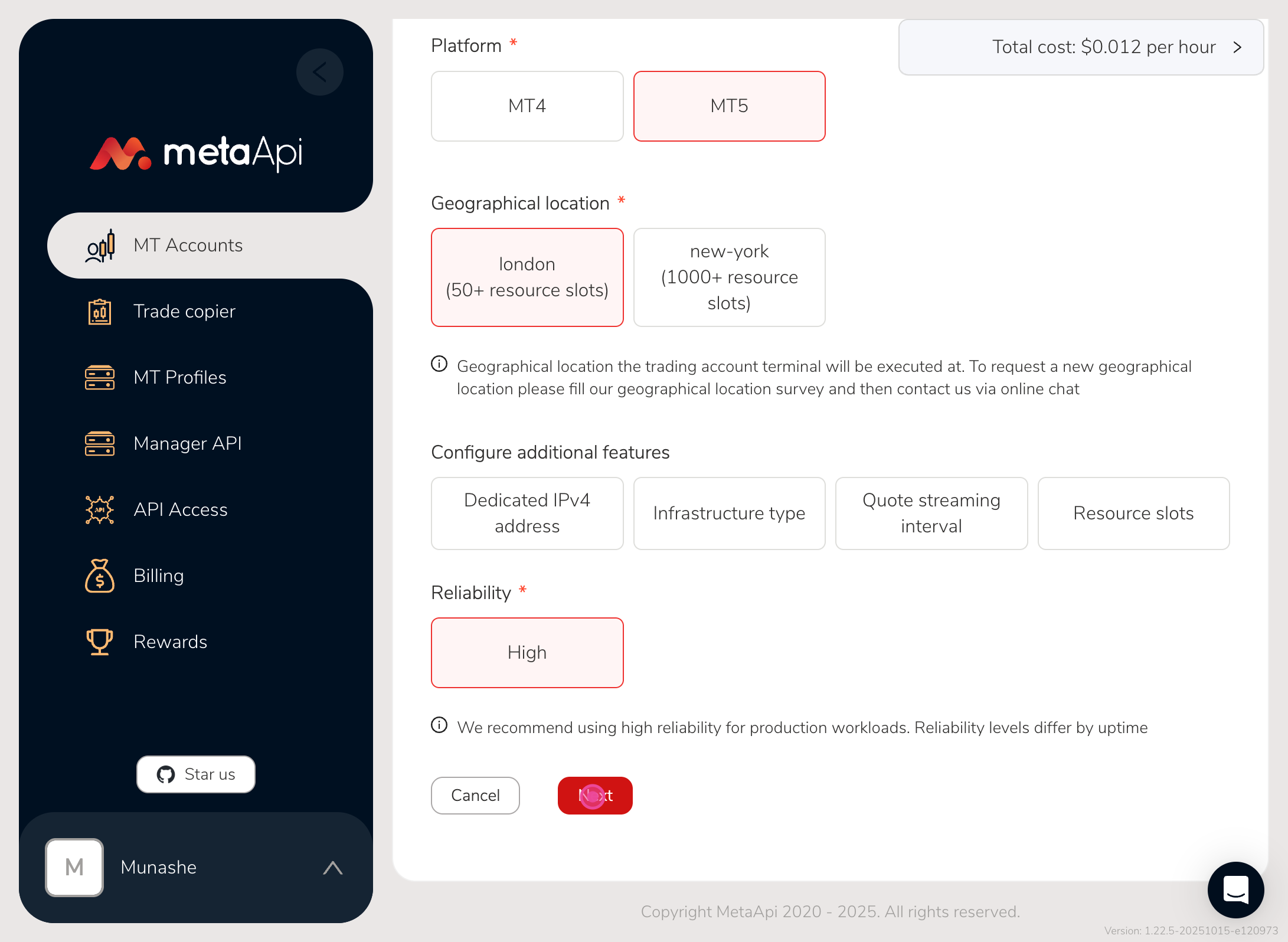
Here you can leave everything on default and just click the type of platform you have between mt4 and mt5
Step 4
Then click next
Step 5
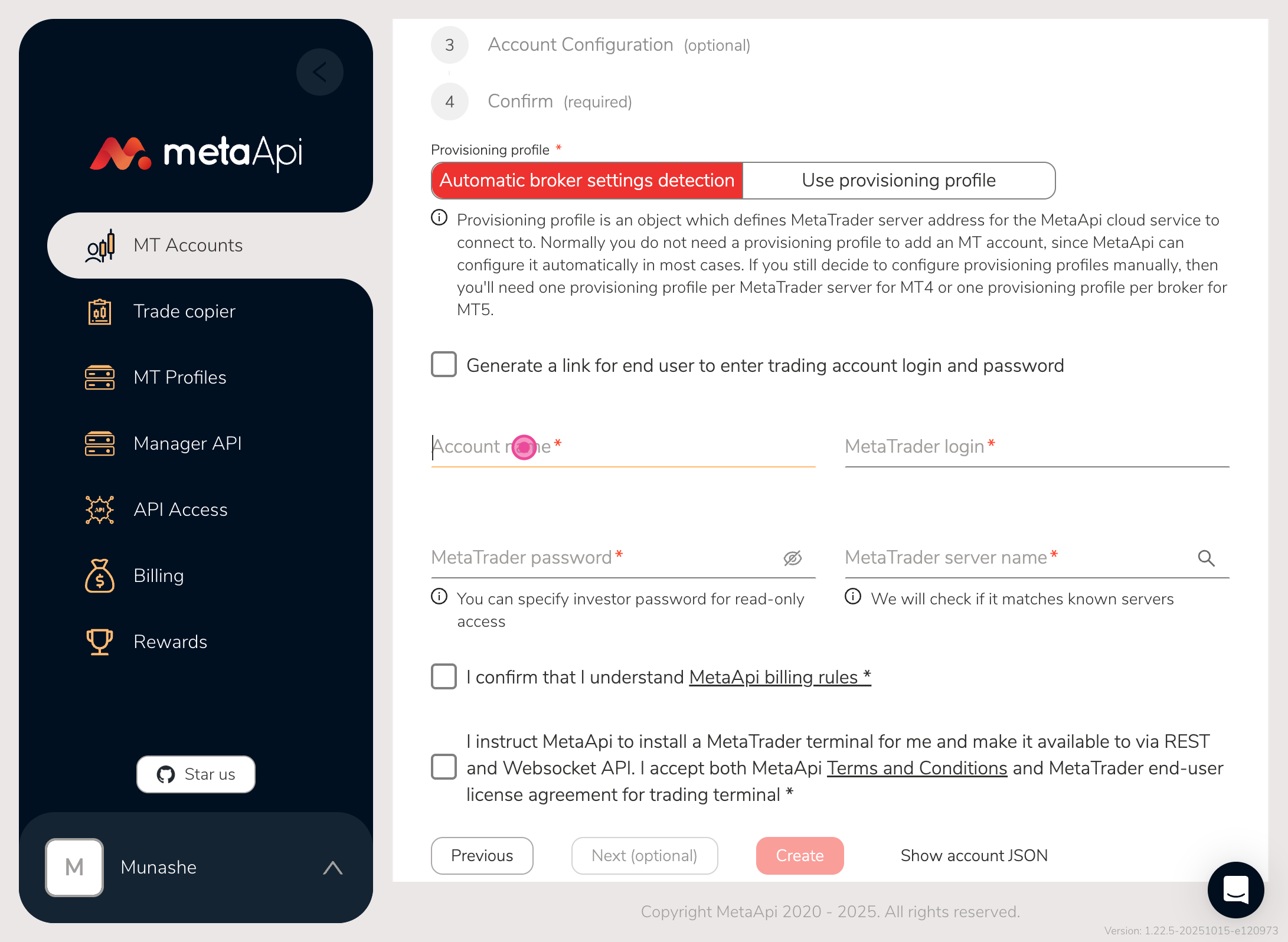
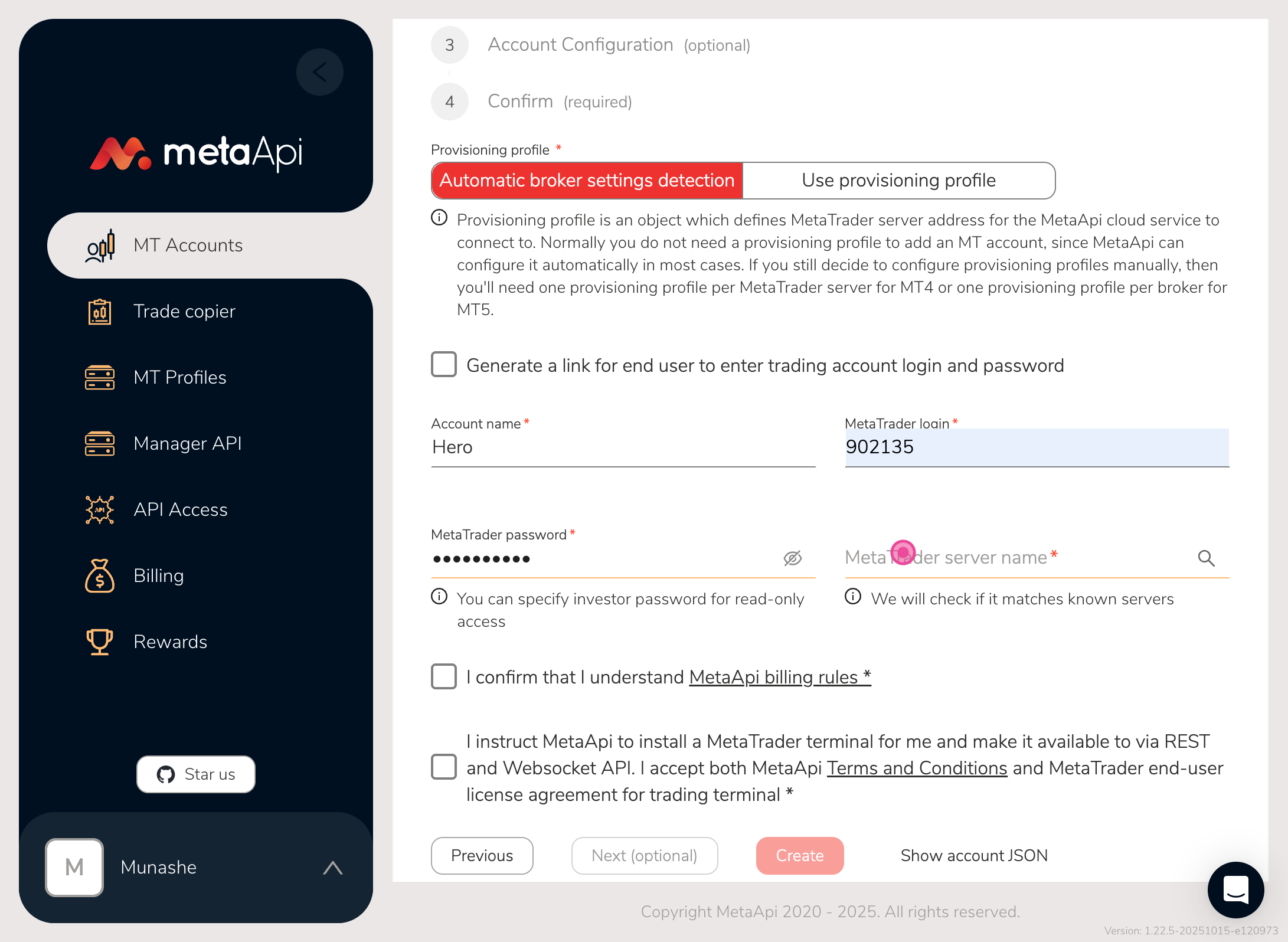
Then the next page enter your account name
Step 6
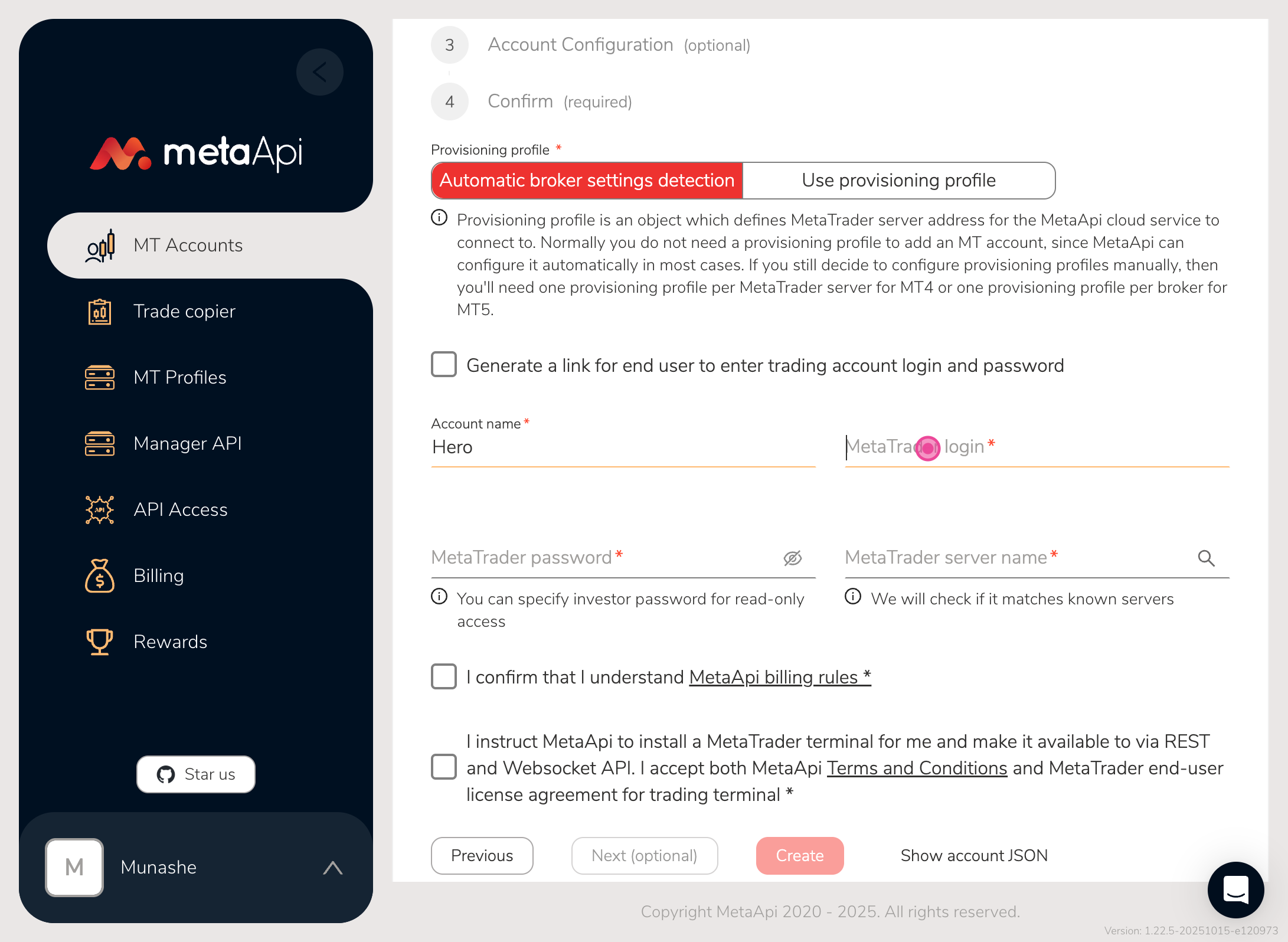
Then your login
Step 7
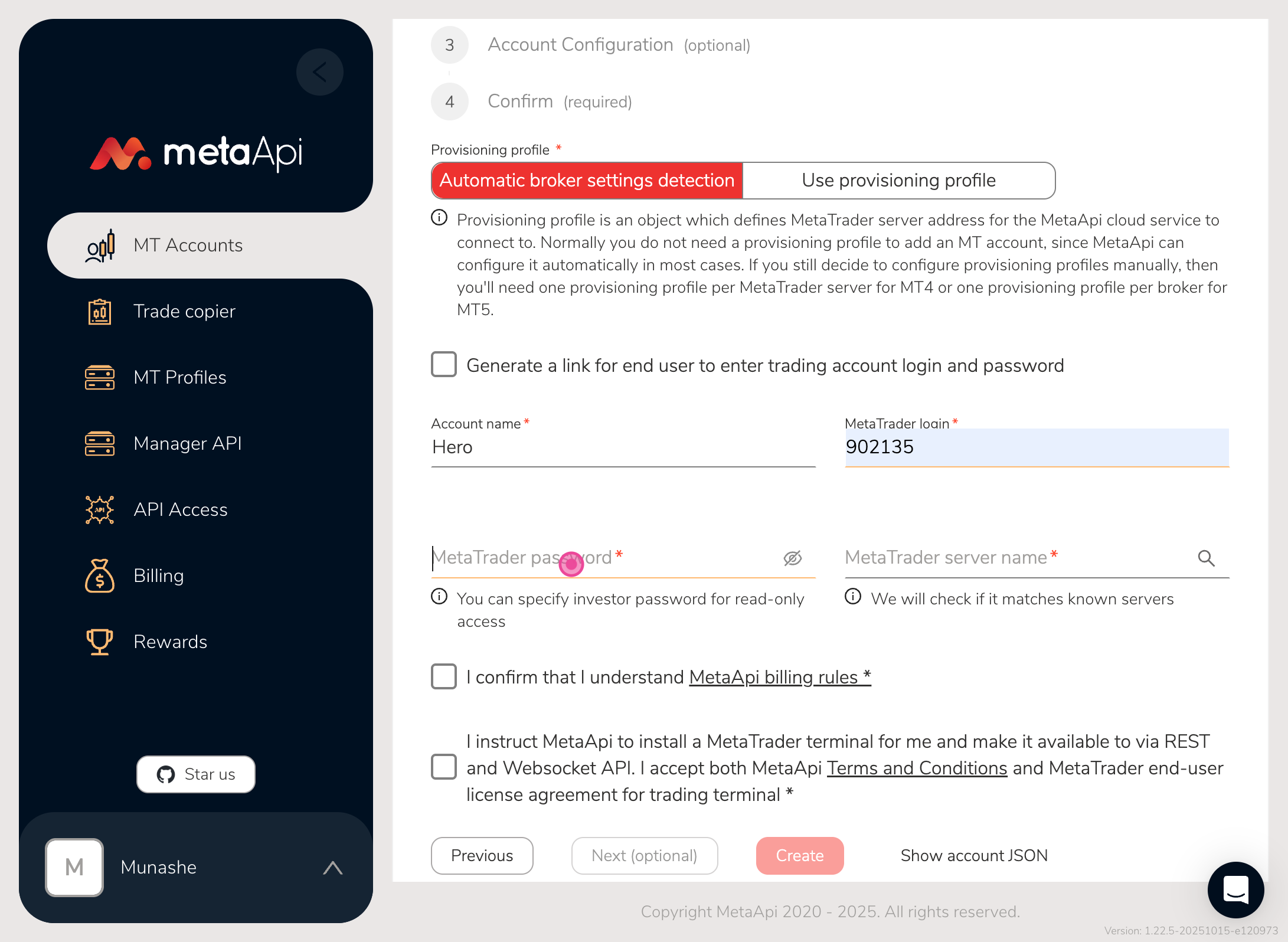
Then your password
Step 8
Then your meta Trader server name you can get this one from your broker
Step 9
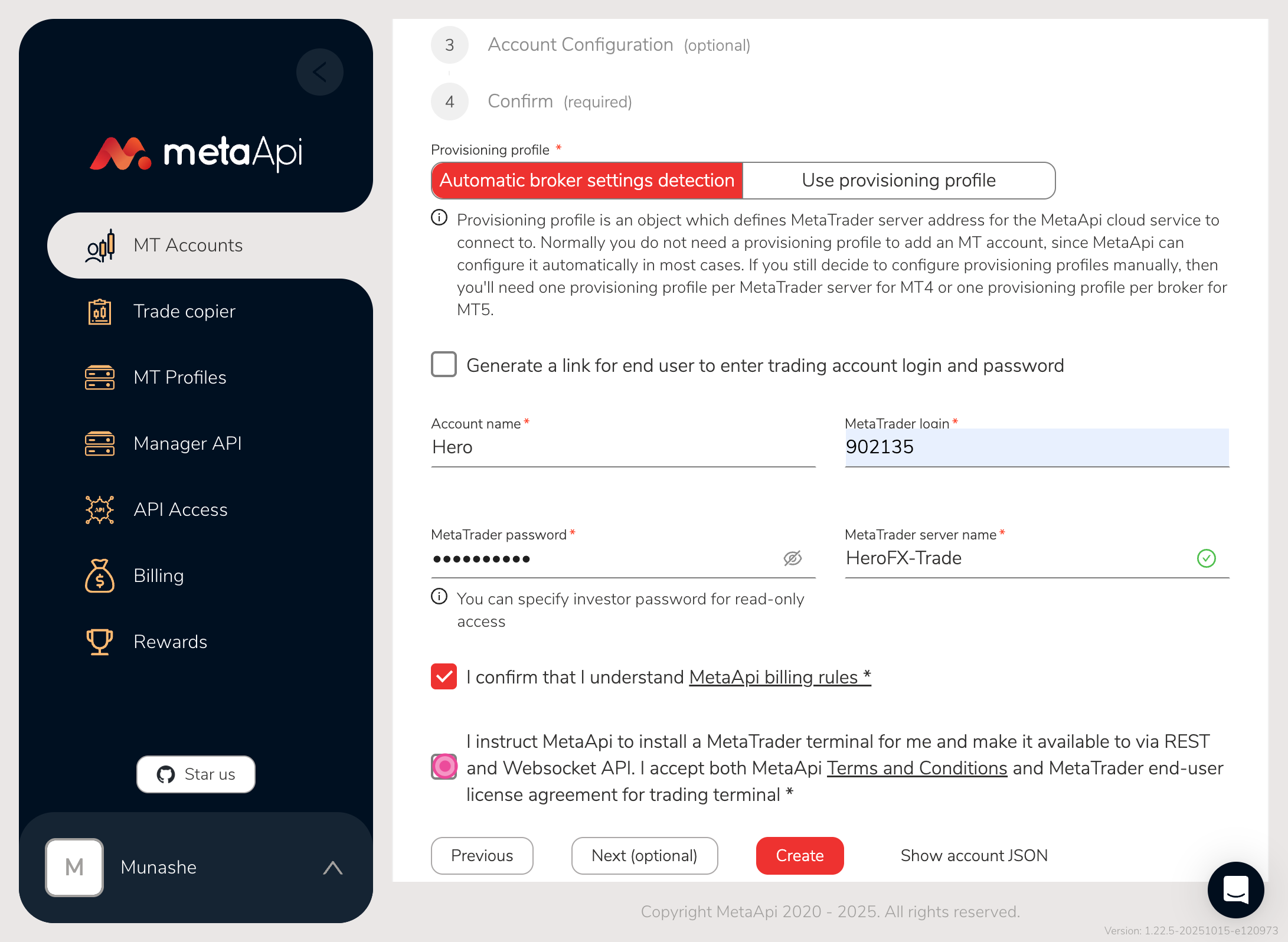
Click on the checkboxes to confirm all terms
Step 10
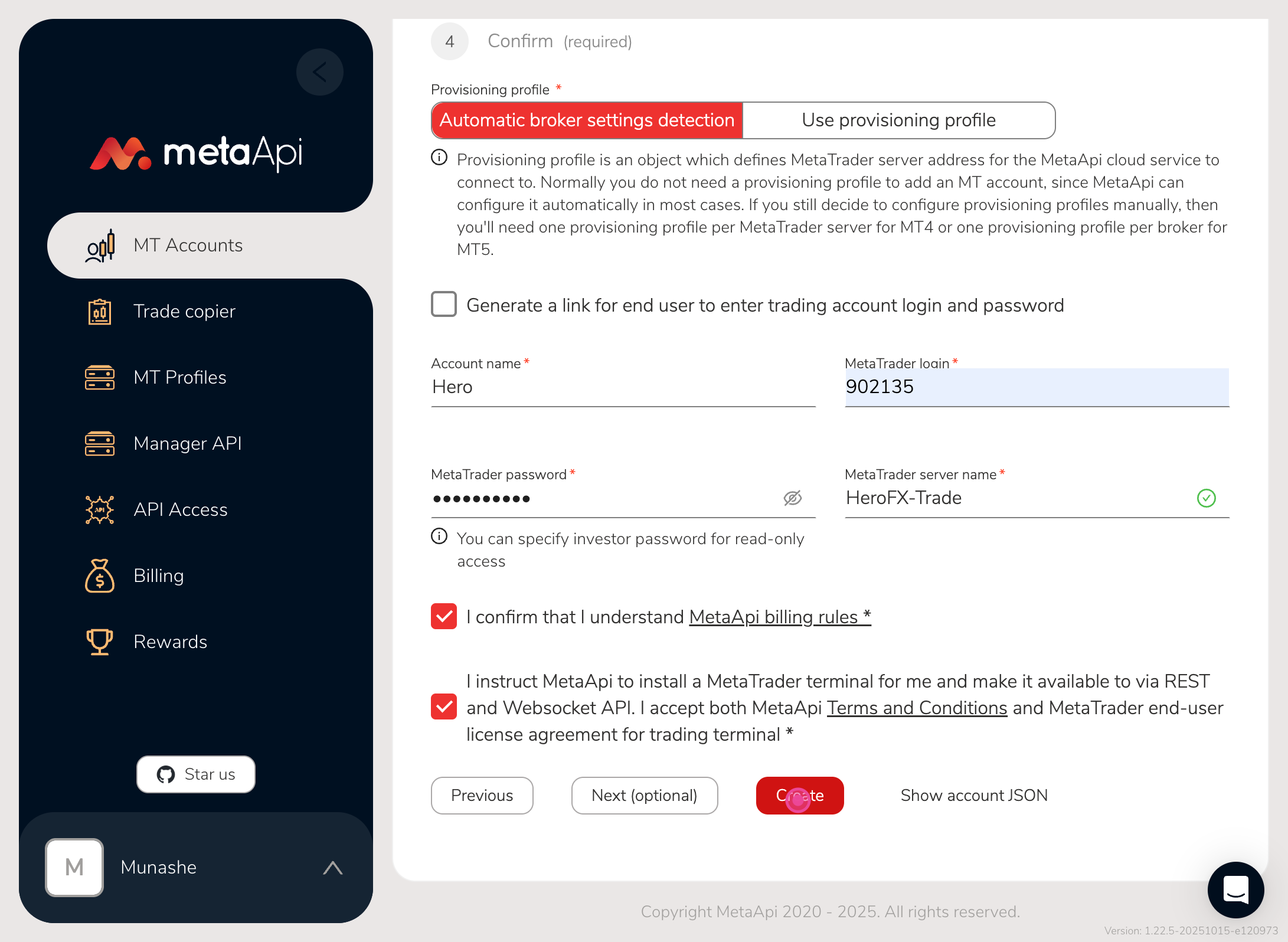
then click on the create button
Step 11
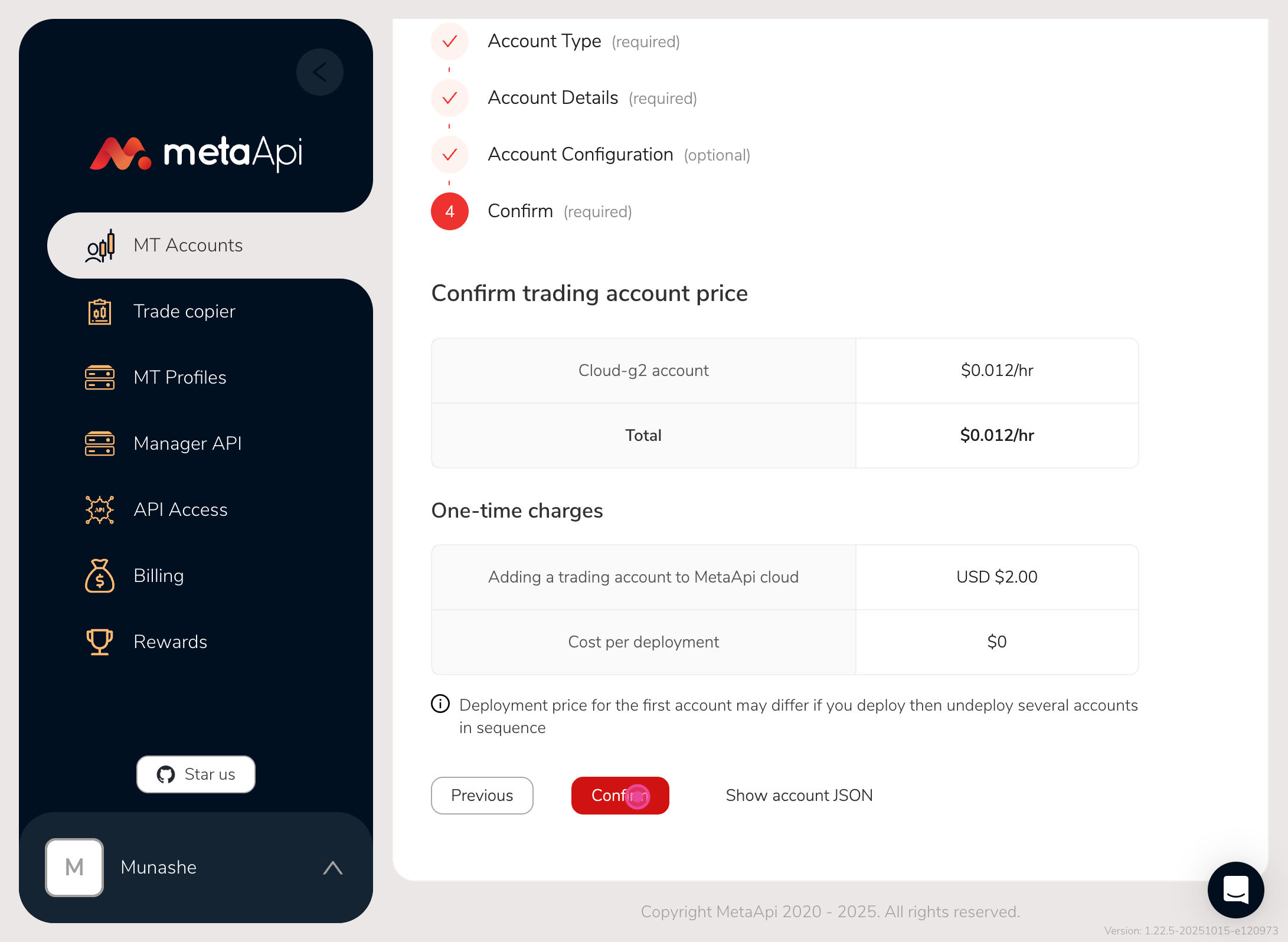
then the last step is to click on confirm
Step 12
You will be navigated back to MT Accounts page
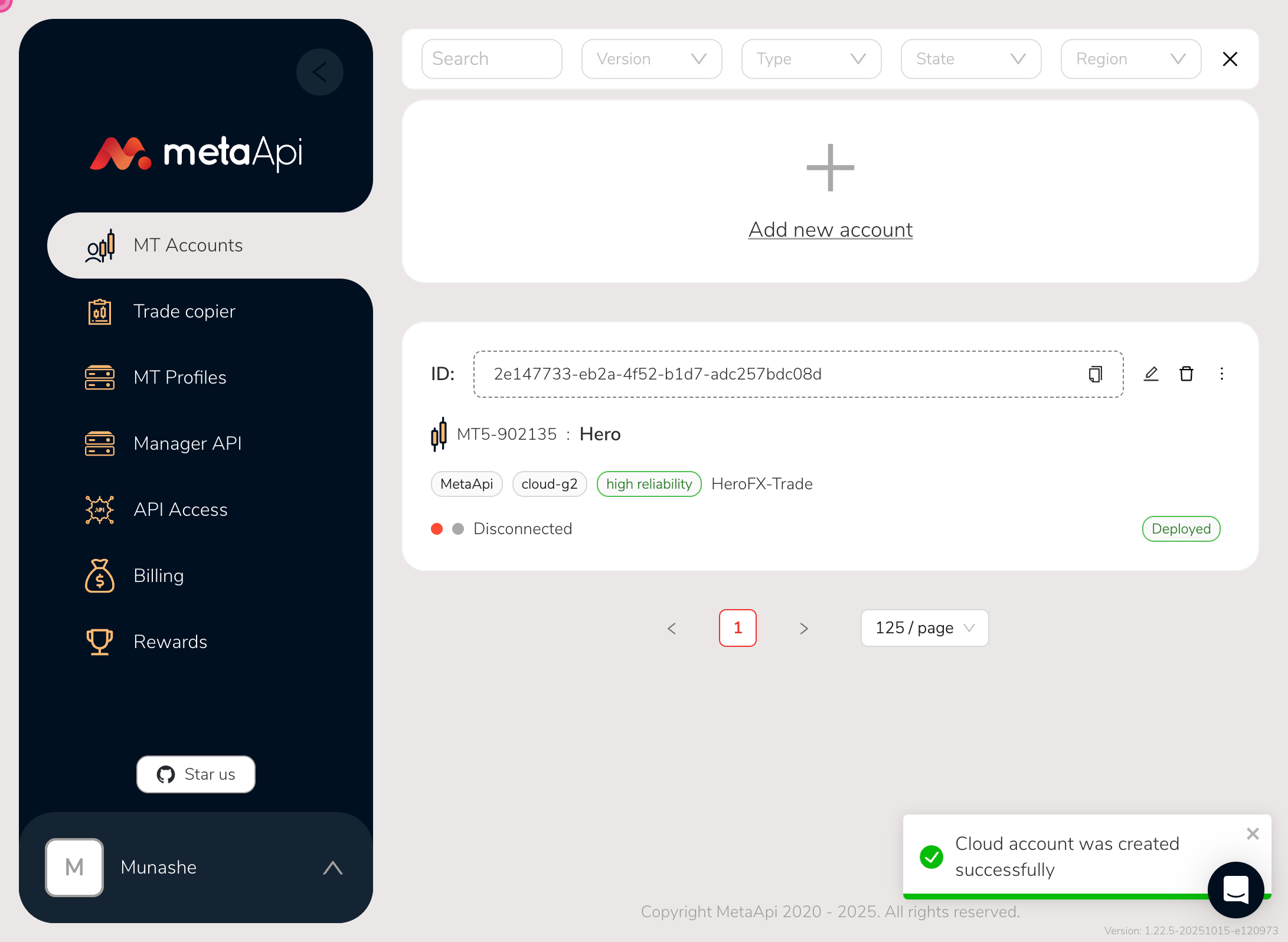
Step 13
If your account shows disconnected you have to click the little three dots
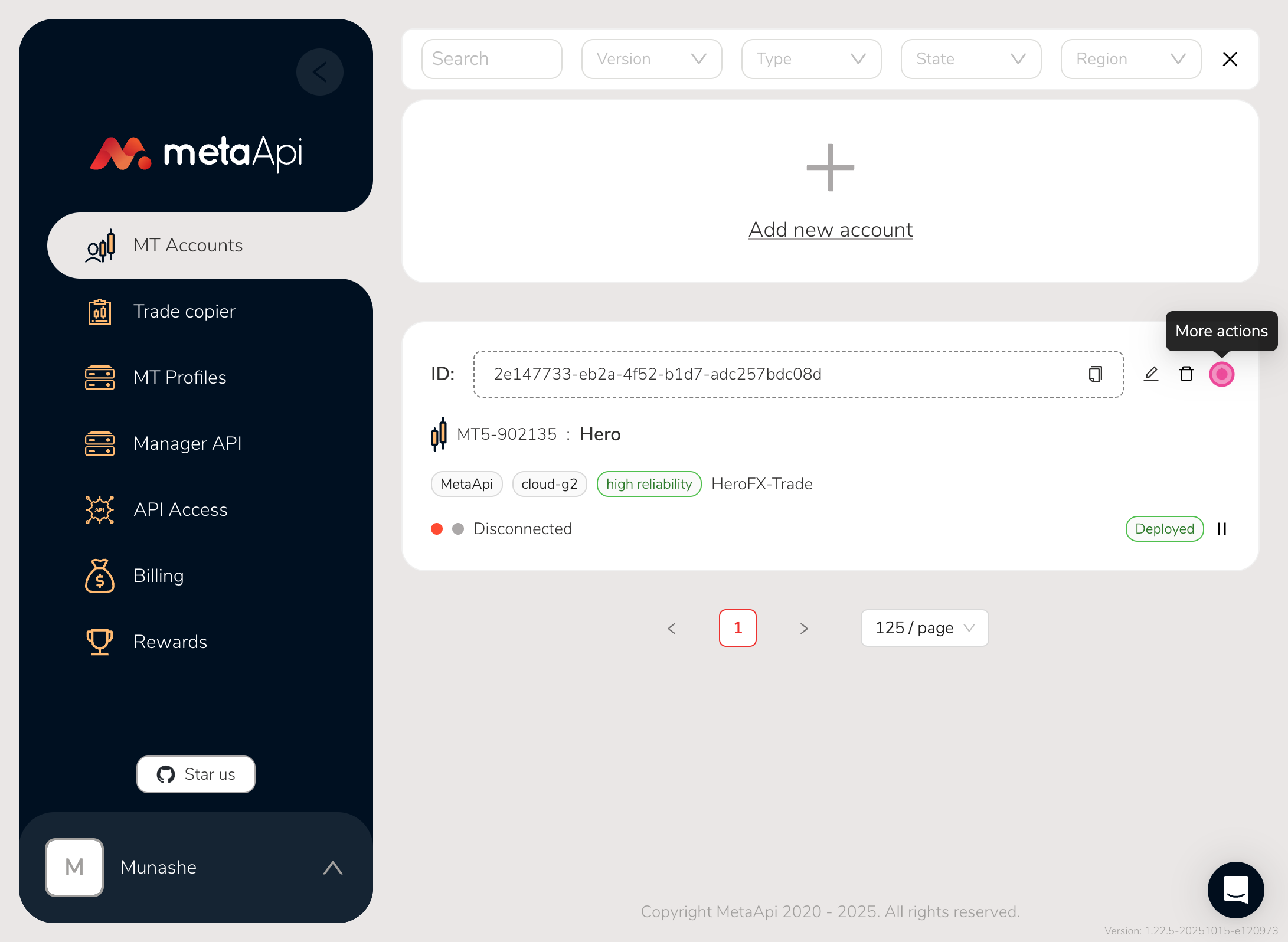
Step 14
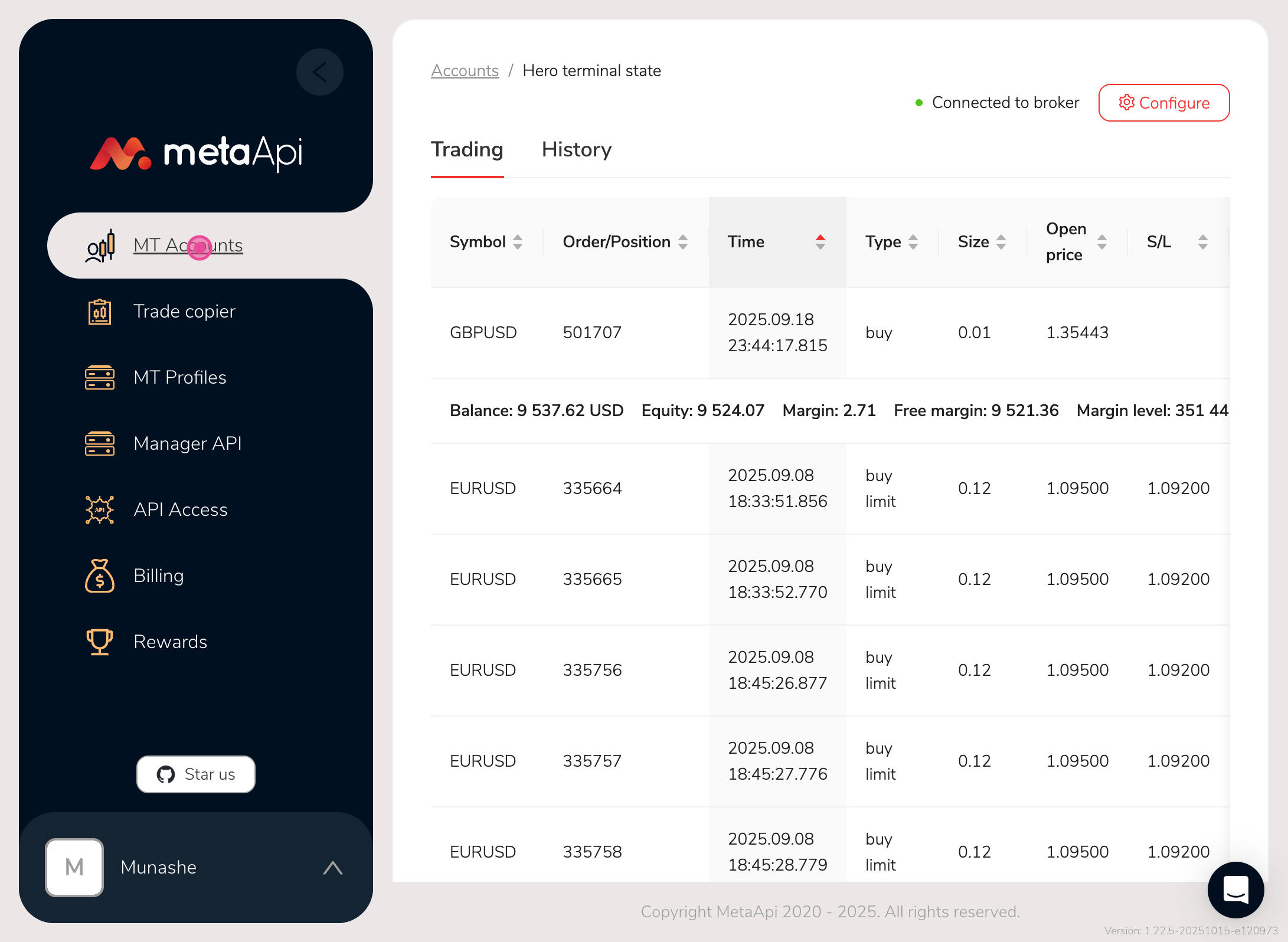
Then click on the monitor trading terminal
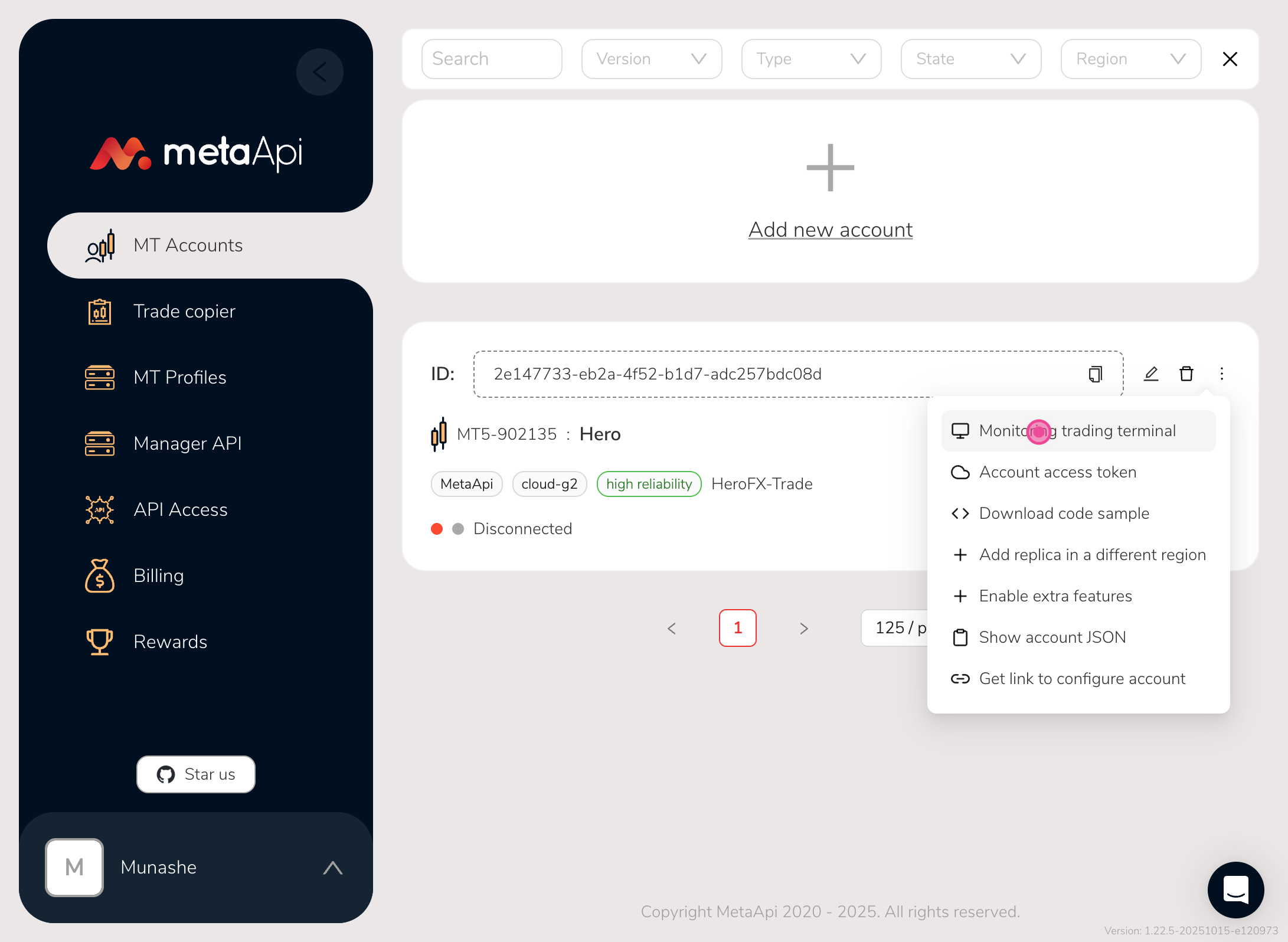
Step 15
Your screen will start loading and after it will show your trading history if any
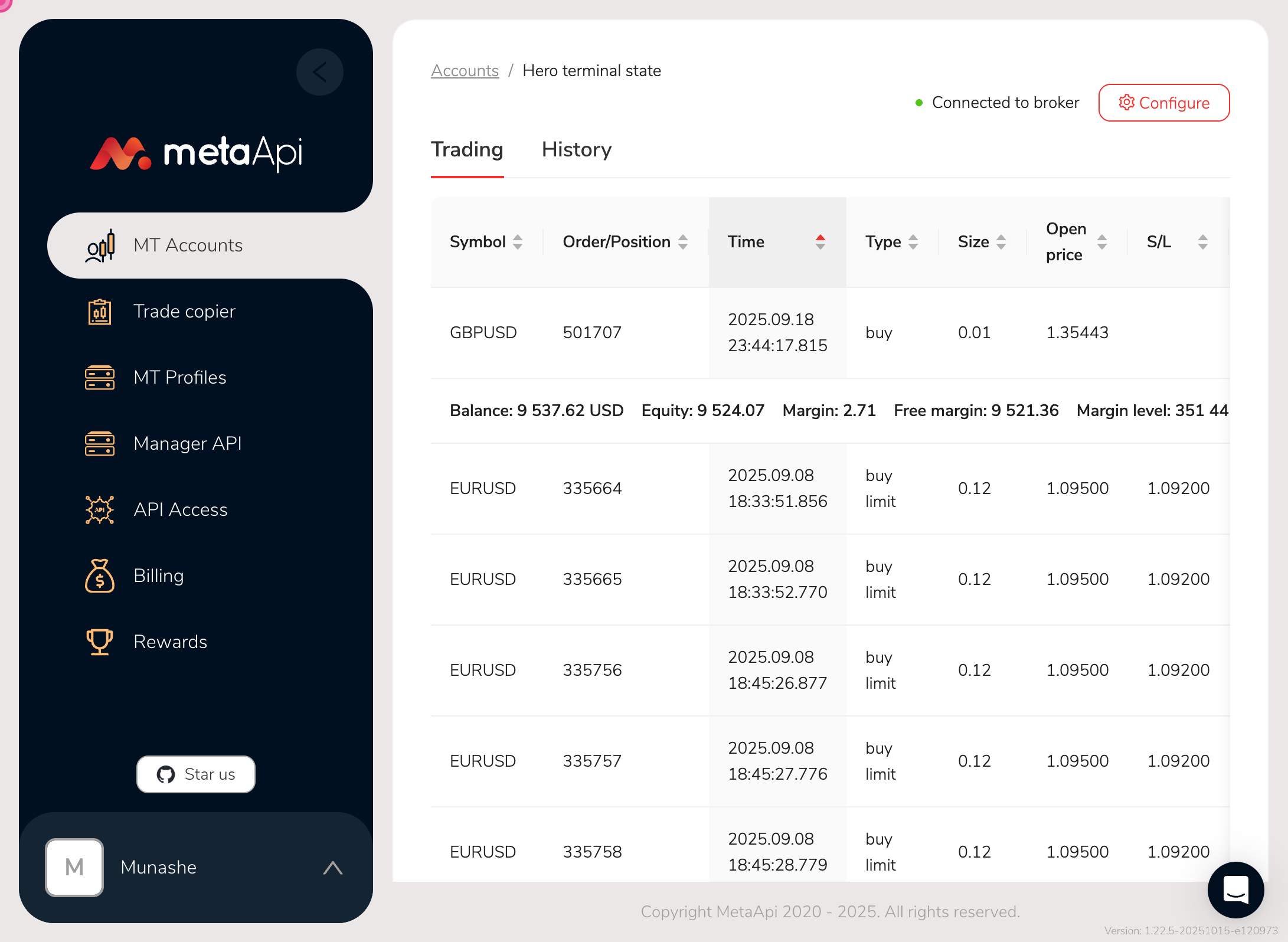
Step 16
After that go back to Mt accounts
Step 17
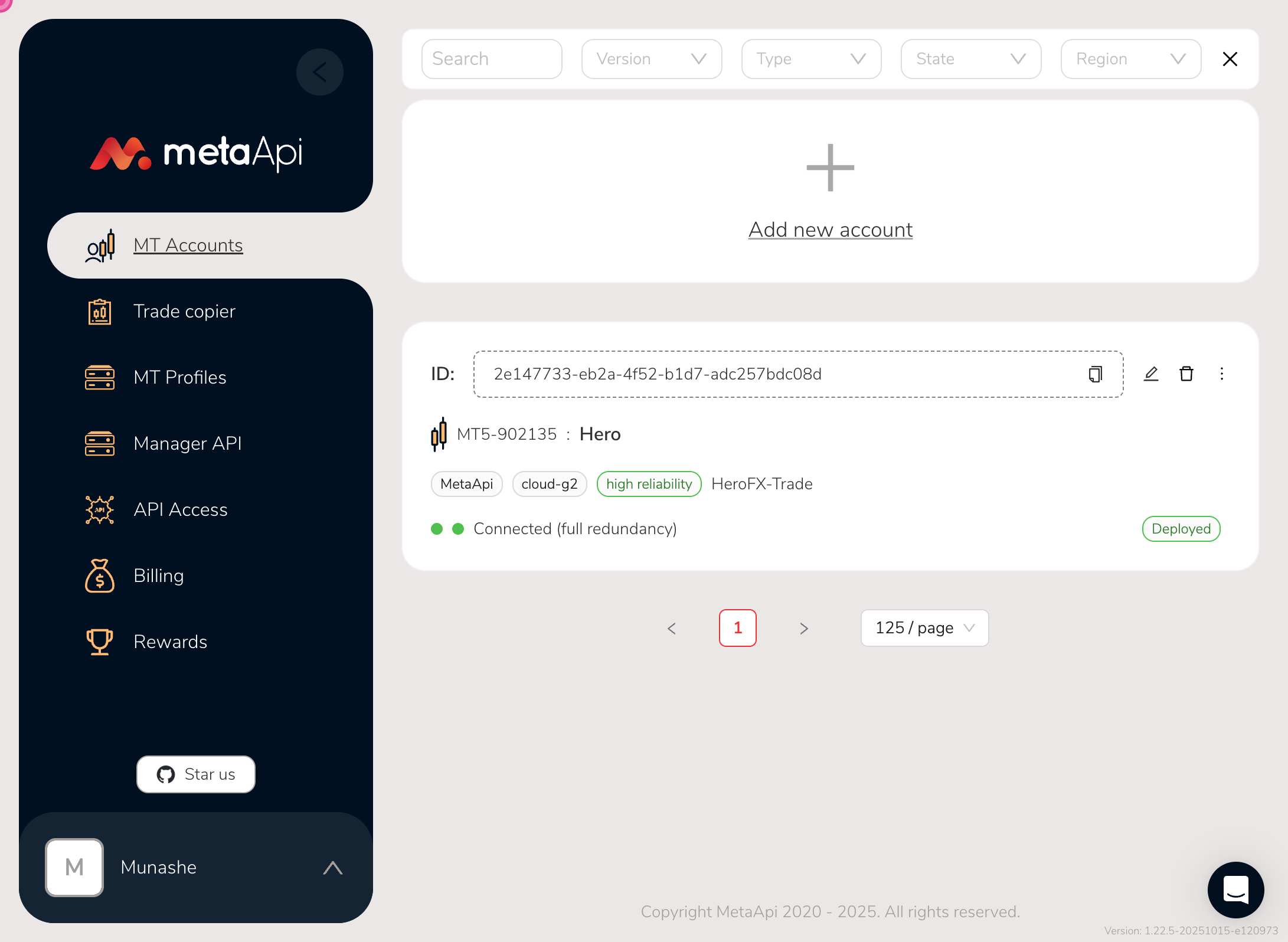
Navigate back
Step 18
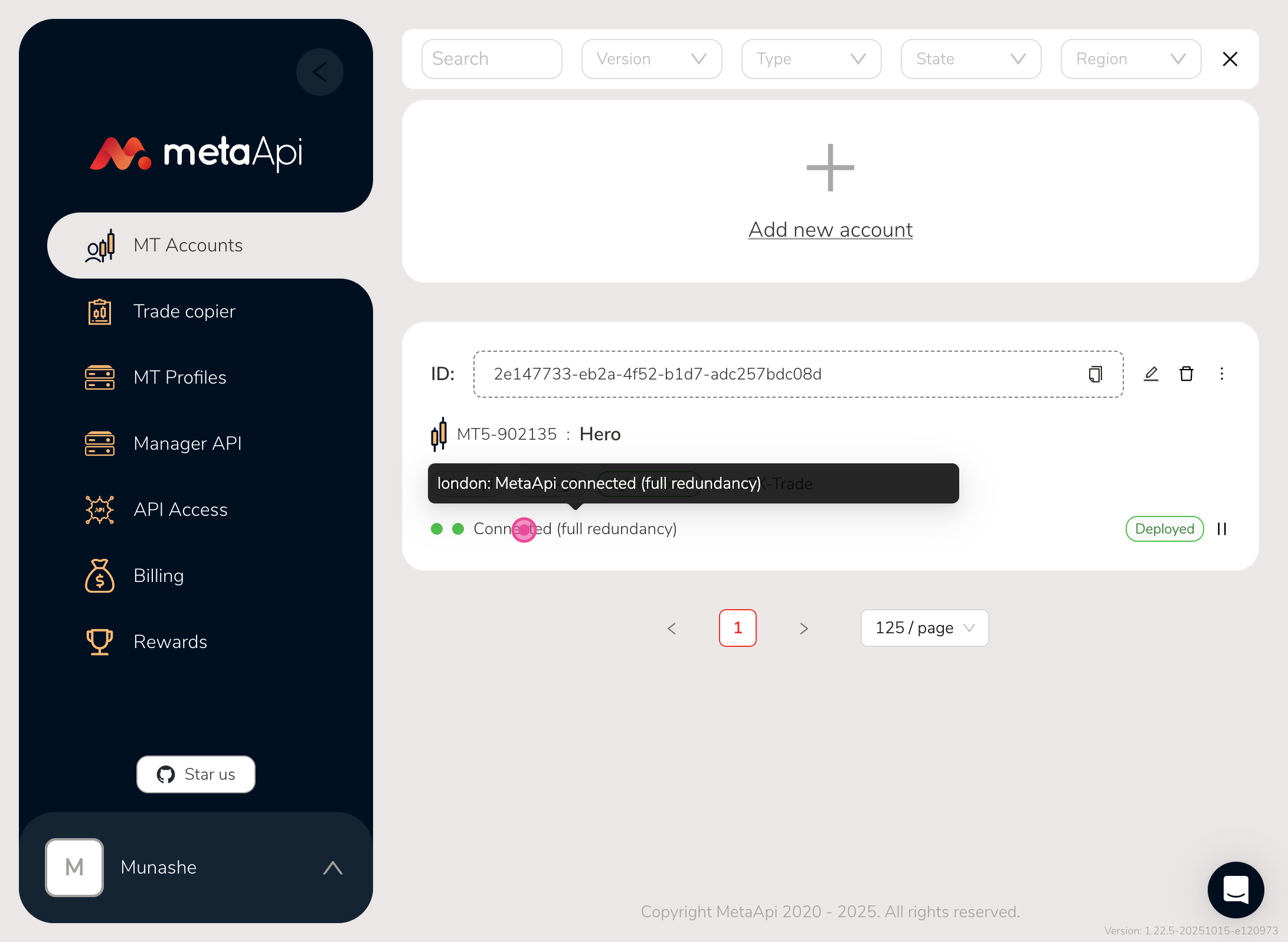
Then you should see that it is connected
Step 19
To copy your account ID just click on the copy icon